This area of the screen displays the list of pages available to navigate to and from the Homepage. You can navigate to a page showing registers, your staff details, and assessments that you are linked to.
The following functionality is integrated in Ontrack Staff Hub and can be accessed from the navigation pane:
- My Assignments/Groups - the EBS4Markbook licence must be held to display this option
- At Risk Learners - the EBS4Pastoral licence must be held to display this option
- ILP - the EBS4ILP licence must be held to display this option
- Markbook and Old Markbook - the EBS4Markbook licence must be held to display these options
- Pastoral - the EBS4Pastoral licence must be held to display this option
From the navigation pane, you can select:
 My Homepage
Select the My Homepage option in the navigation pane to return back to the EBS Ontrack Hub Homepage.
My Details
Select the My Details option in the navigation pane to view your staff details.
This will display the Staff Details page.
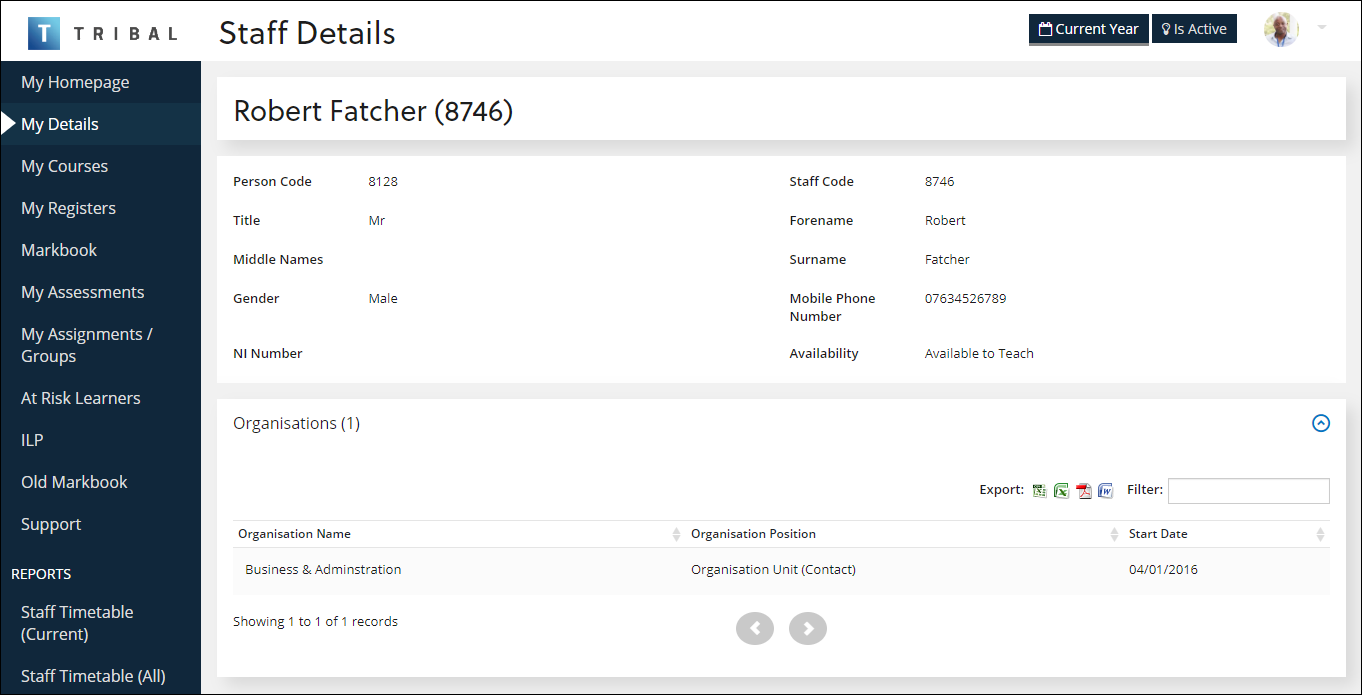
You cannot edit the details from this page. This must be done by your administrator.
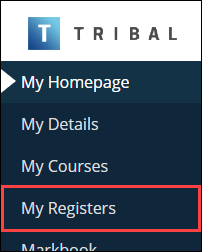
My Registers
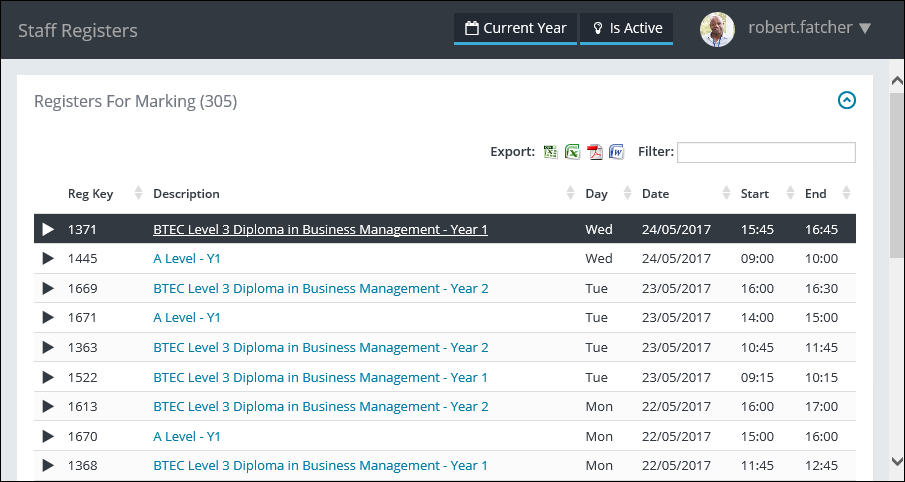
Select the My Registers option in the navigation pane to view learner eRegister records that you are linked to, and then select an eRegister to view the details, and mark the eRegister if necessary. Refer to Manage eRegisters for further information.
This will display the Staff Registers page.
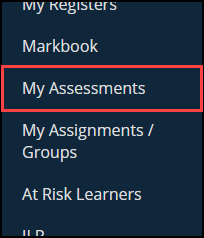
My Assessments
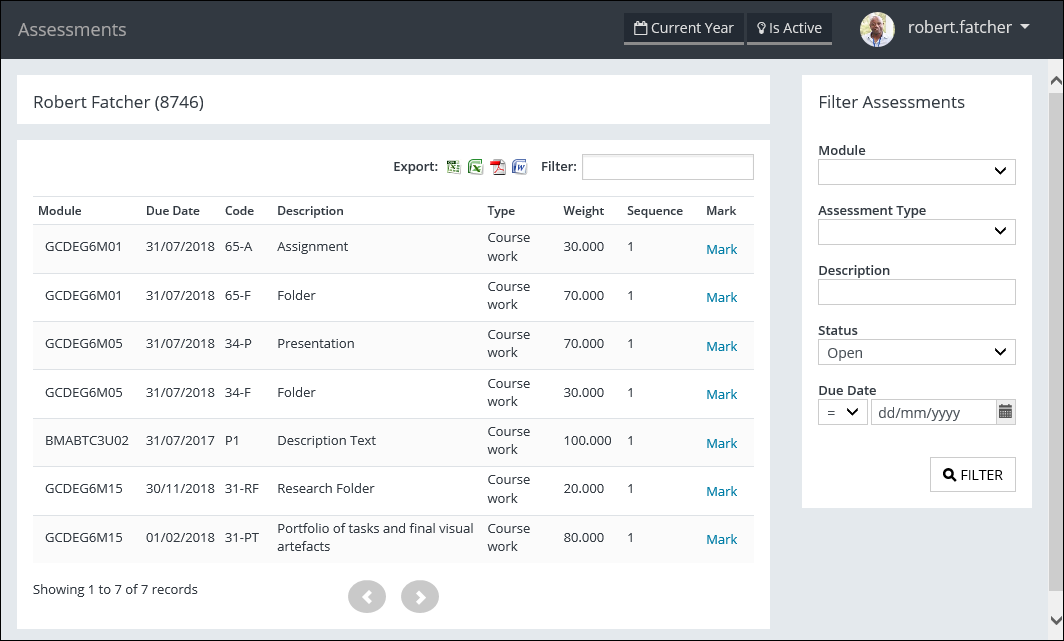
Select the My Assessments option in the navigation pane to view learner assessment records that you are linked to, and then select an assessment to view the details, and mark the assessment if necessary.
This will display the Assessments page.
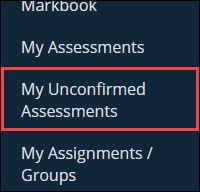
My Unconfirmed Assessments
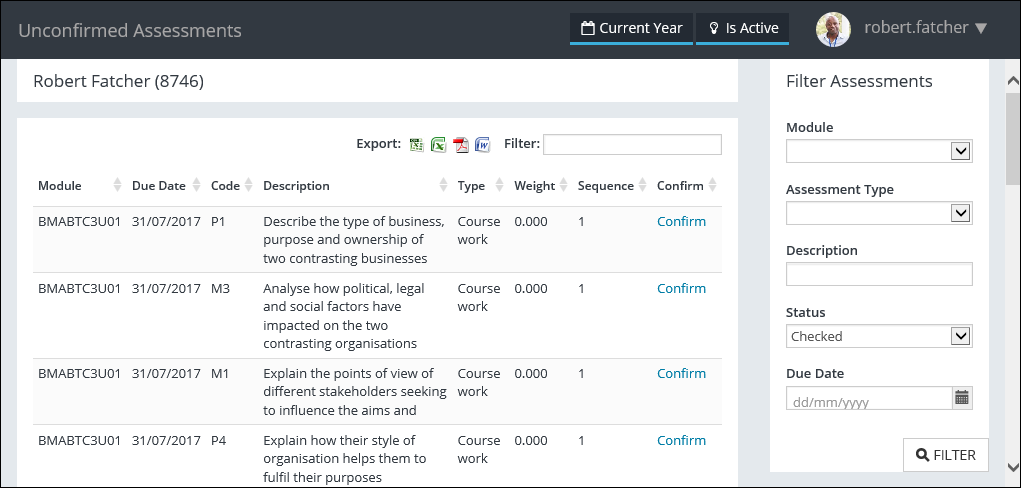
Select the My Unconfirmed Assessments option in the navigation pane to view learner unconfirmed assessment records that you are linked to, and then select an assessment to view the details, and confirm the assessment if necessary.
This will display the Unconfirmed Assessments page.
UK My Courses
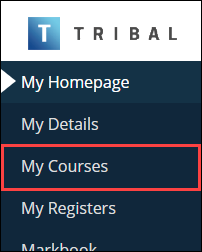
Select the My Courses option in the navigation pane to view your courses.
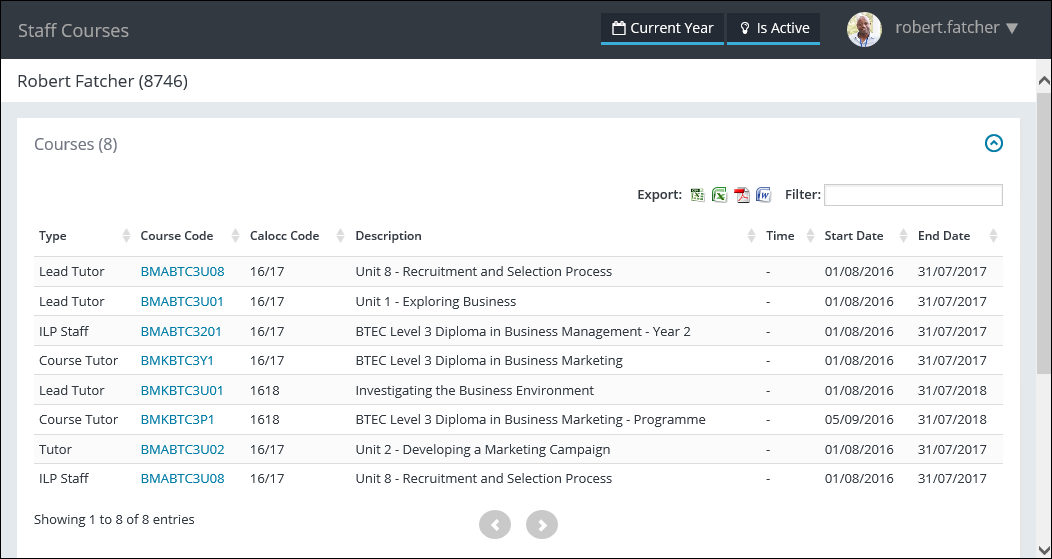
This will display the Staff Courses page.
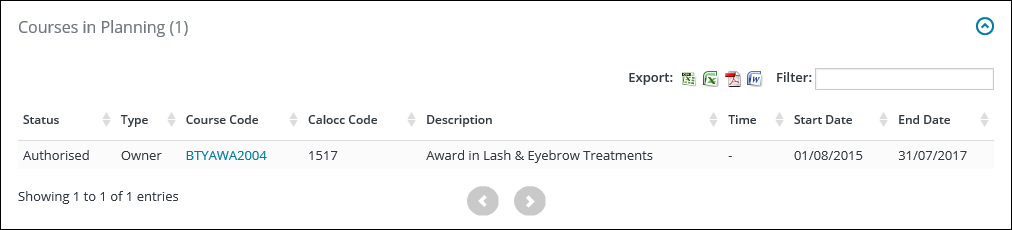
Any courses in planning the staff member is associated with are also displayed on this page.
UK My Assignments/Groups
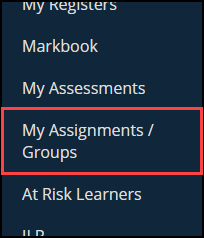
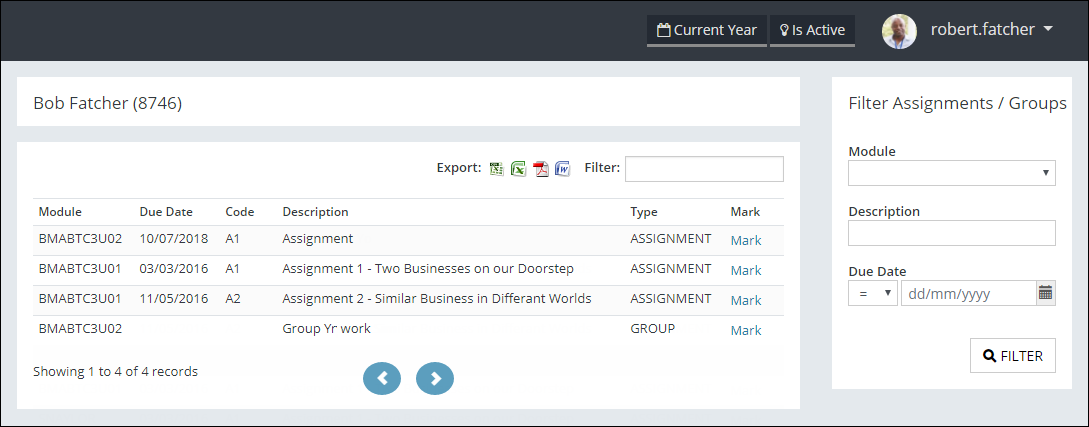
Select the My Assignments/Groups option in the navigation pane to view assignments and groups that you are linked to, and then select an assessment to view the details, and mark the assessment for a specific assignment/group if necessary.
This will display a page listing all assignments/groups where you are linked to the assessments.
UK Markbook
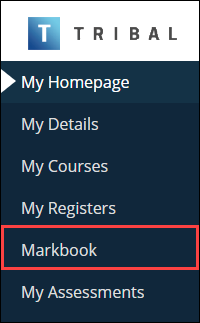
Select the Markbook option in the navigation pane to mark assessment results for programme units that you are associated with.
This will display the Markbook screen.
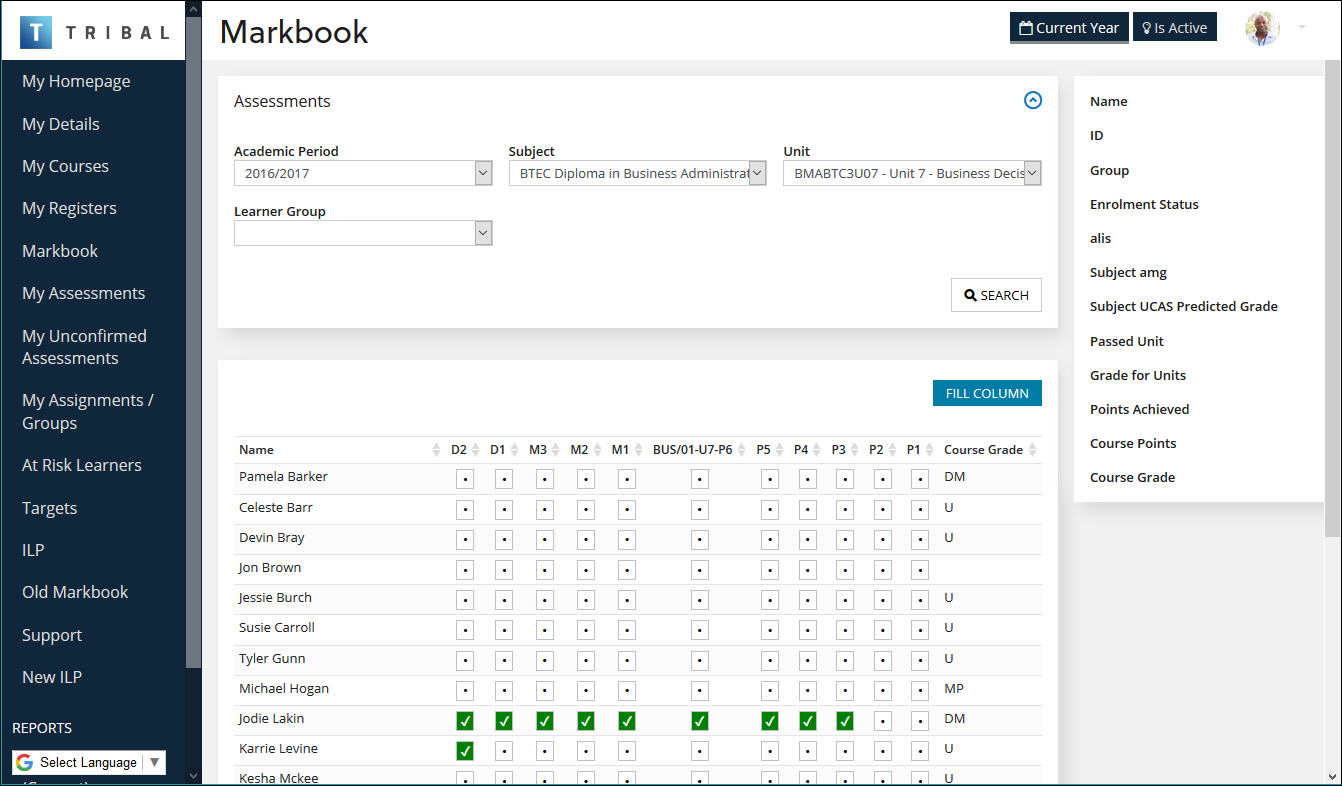
Refer to Use Markbook for further information.
UK At Risk Learners
Select the At Risk Learners option in the navigation pane to view at risk learners.
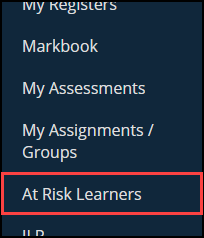
This will display the At Risk Learners page (this can also be accessed from the At Risk KPIs on the Homepage).
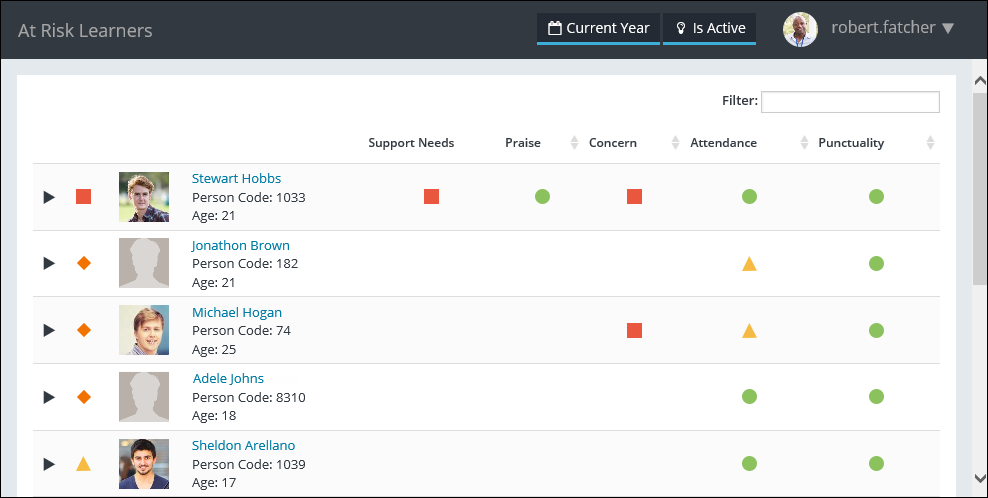
When you select an indicator in the At Risk Learners grid, you will be automatically navigated to the corresponding section in Ontrack Staff Hub (for example: selecting an indicator in the Attendance column will navigate to the Learner Attendance page for the selected learner).
UK ILP
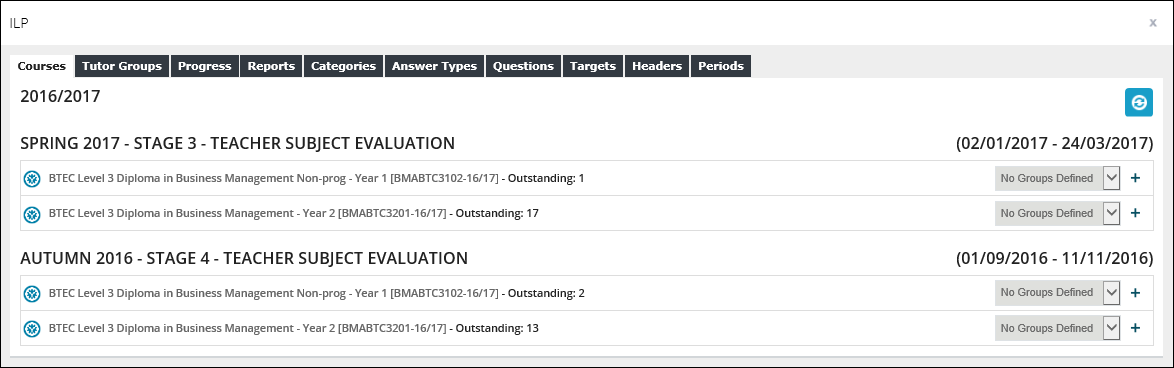
Select the ILP option in the navigation pane to view teacher subject evaluations and tutor evaluations and associated learners with ILPs.
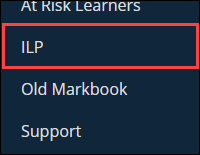
This will display the ILP window.
UK Old Markbook
Select the Old Markbook option in the navigation pane to mark assessment results for programme units that you are associated with. The new version of Markbook can be accessed by selecting the Markbook option.
This will display the Markbook window.
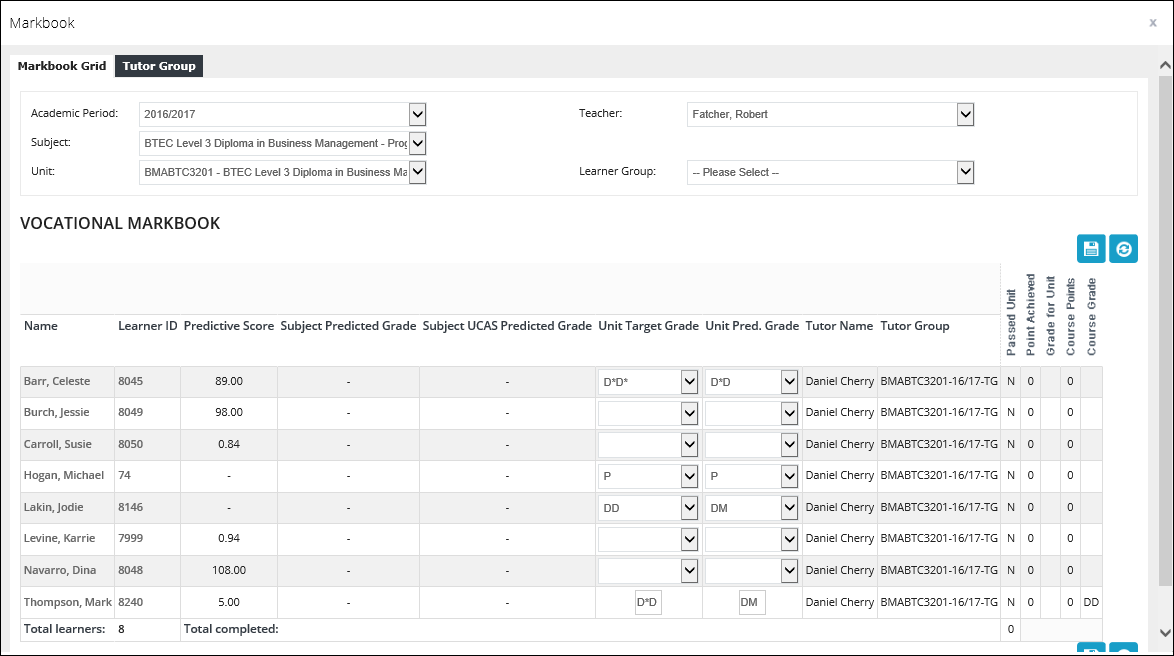
Refer to Use the Markbook Module as a Staff Member for further information.
UK Support
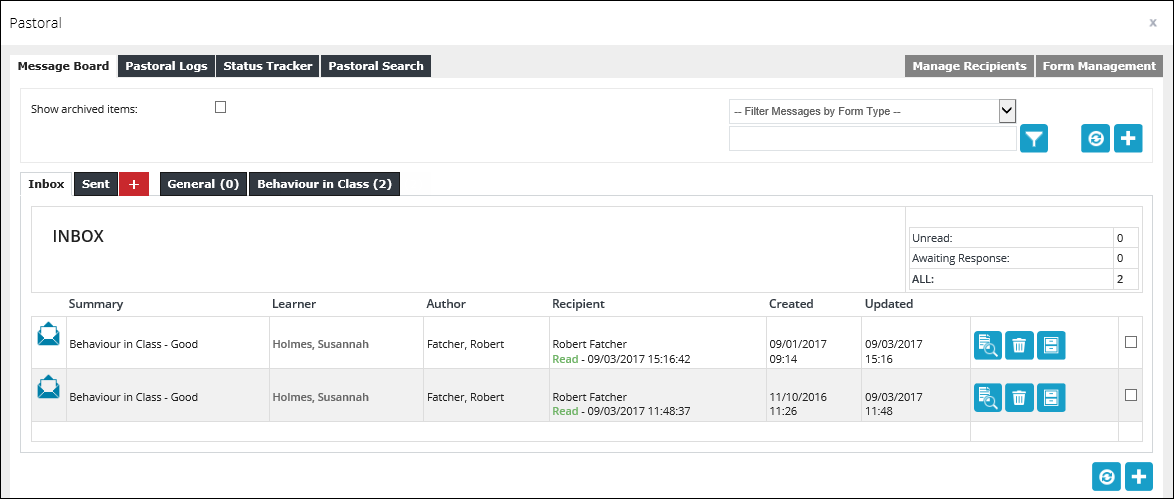
Select the Support option in the navigation pane to manage pastoral form messages, view pastoral logs and statuses for learners, and search for learner pastoral records.
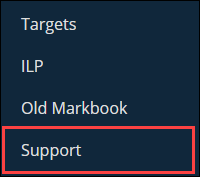
This will display the Pastoral window.